AI & Product
Hueshift
March - April 2023
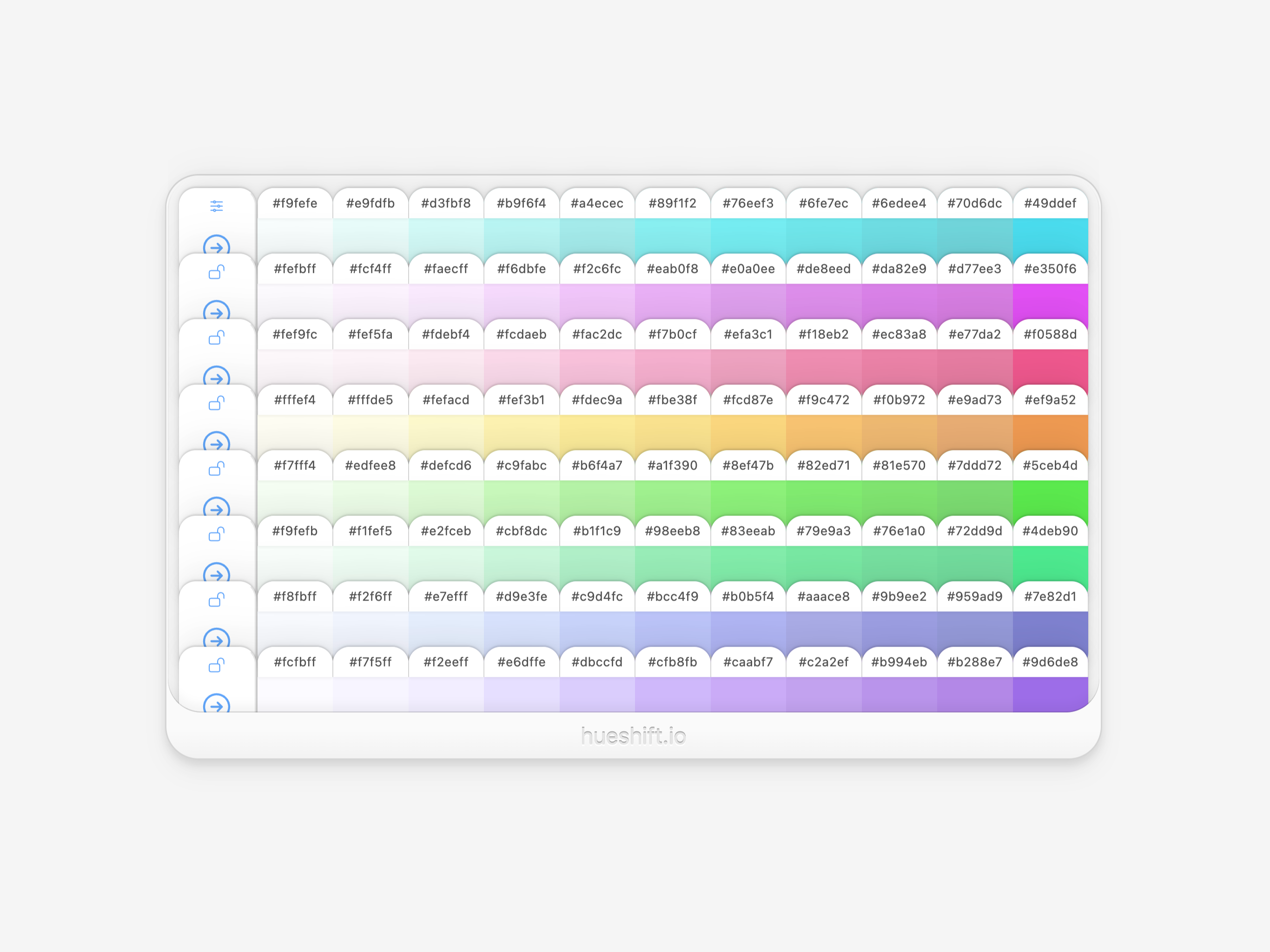
Hueshift is a machine learning tool that generates harmonious color palettes using a recursive neural network model.
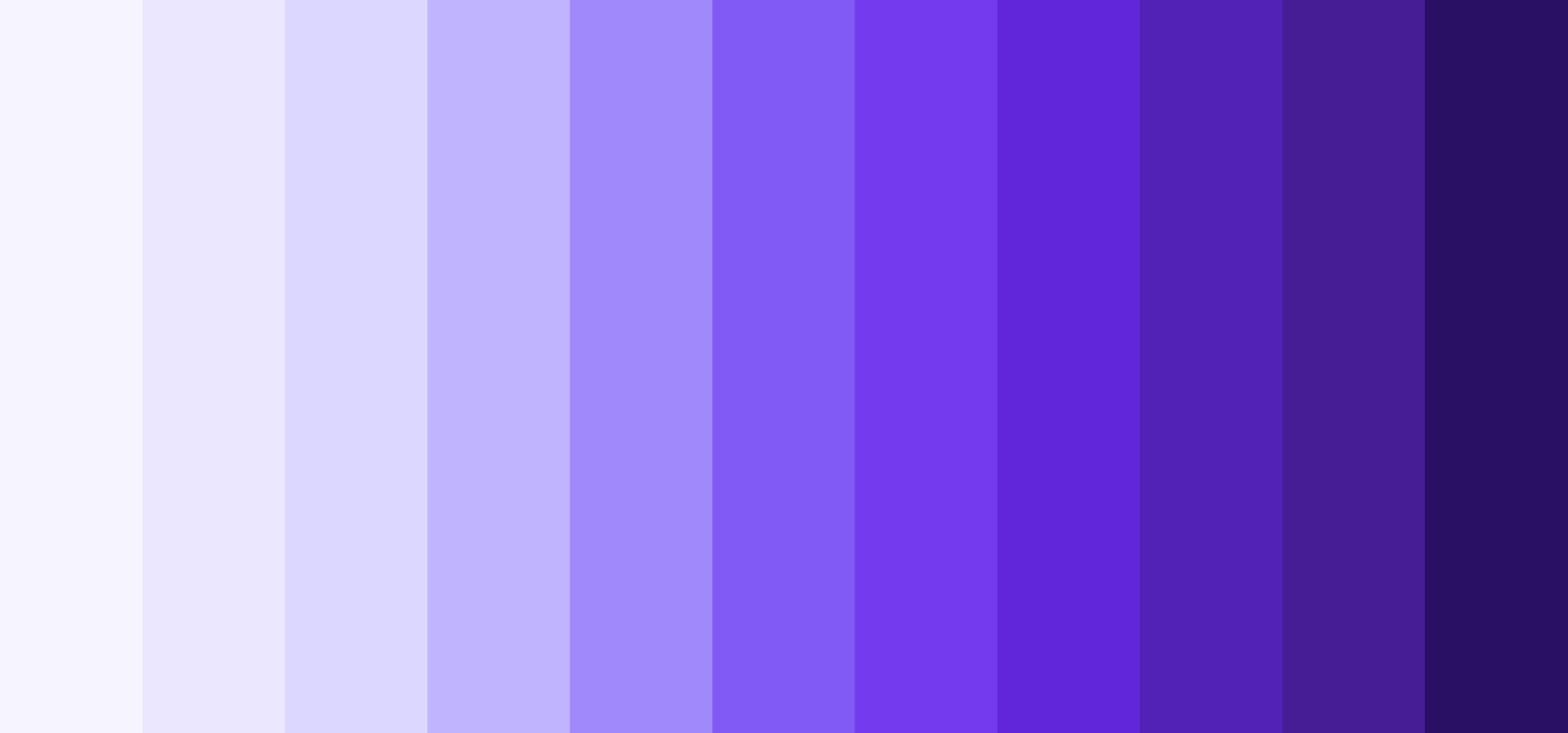
Often in design, you’ll need to take a color palette and define a set of light to dark steps for each color.
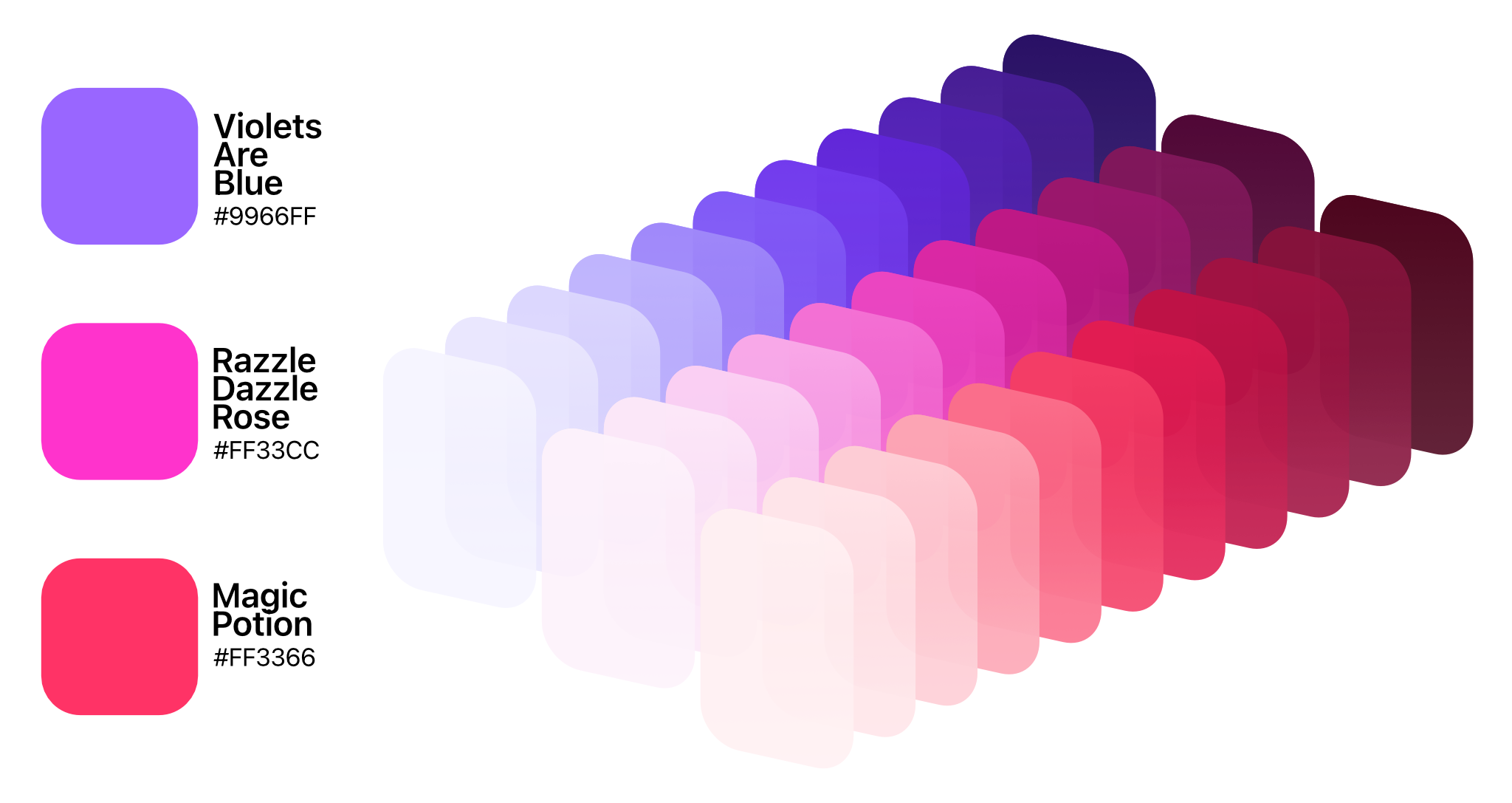
In interface design, these values can be used to create depth and dimension.
One color with a lighter and darker step can be overlaid to produce elements with a monochrome, “single color” look.

It helps you layer related information in a predictable pattern to how colors increase & decrease in lightness & darkness.
Just one color can touch a range of situations, with a clear separation of information.
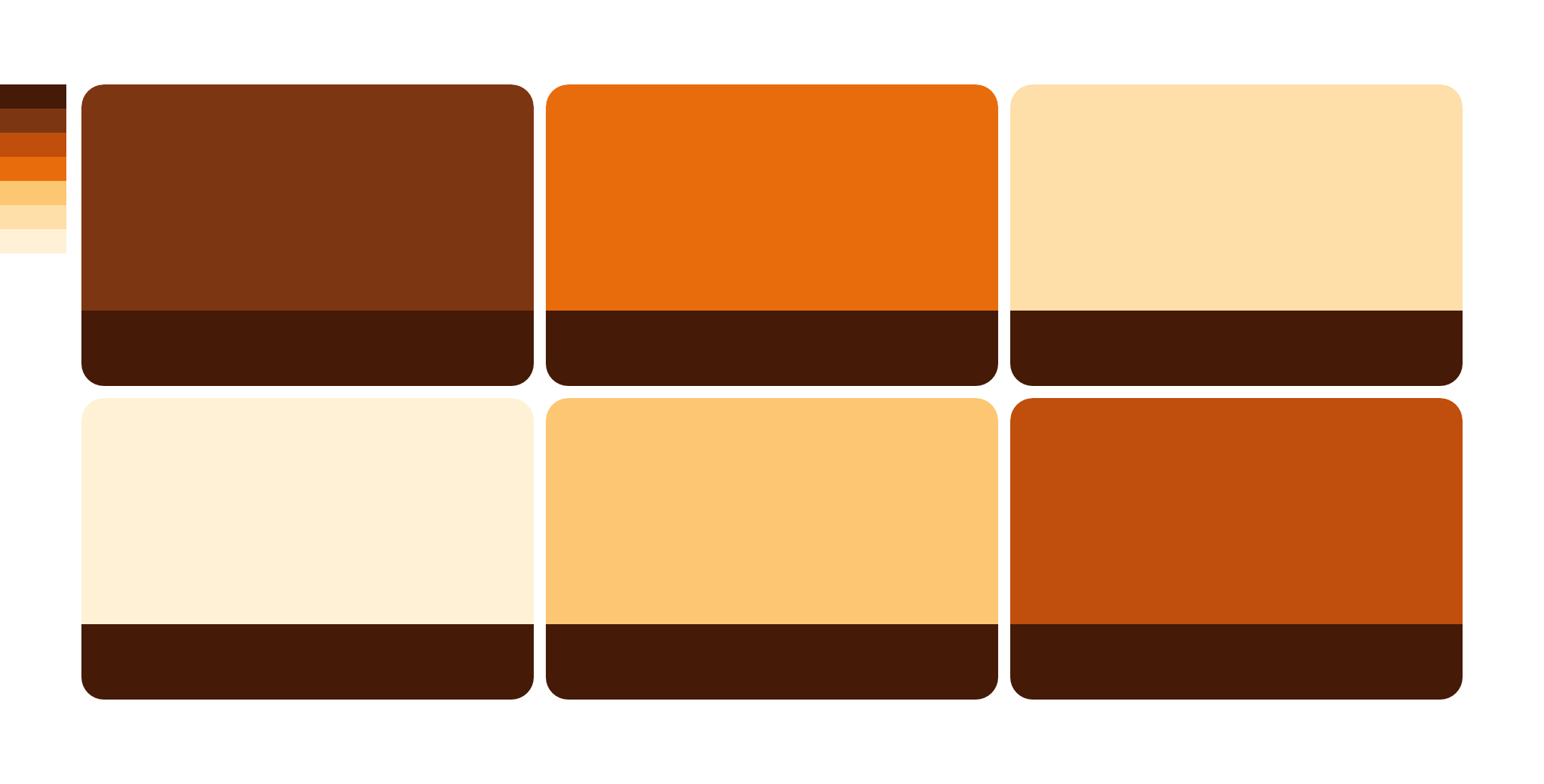
This predictability can be especially useful when creating light & dark themes. It’s easier to balance your main accent shade against your background & foreground colors when you have steps that feel natural in distance.

It’s also useful when creating subtle shading with a natural feel, while maintaining vibrant readability.
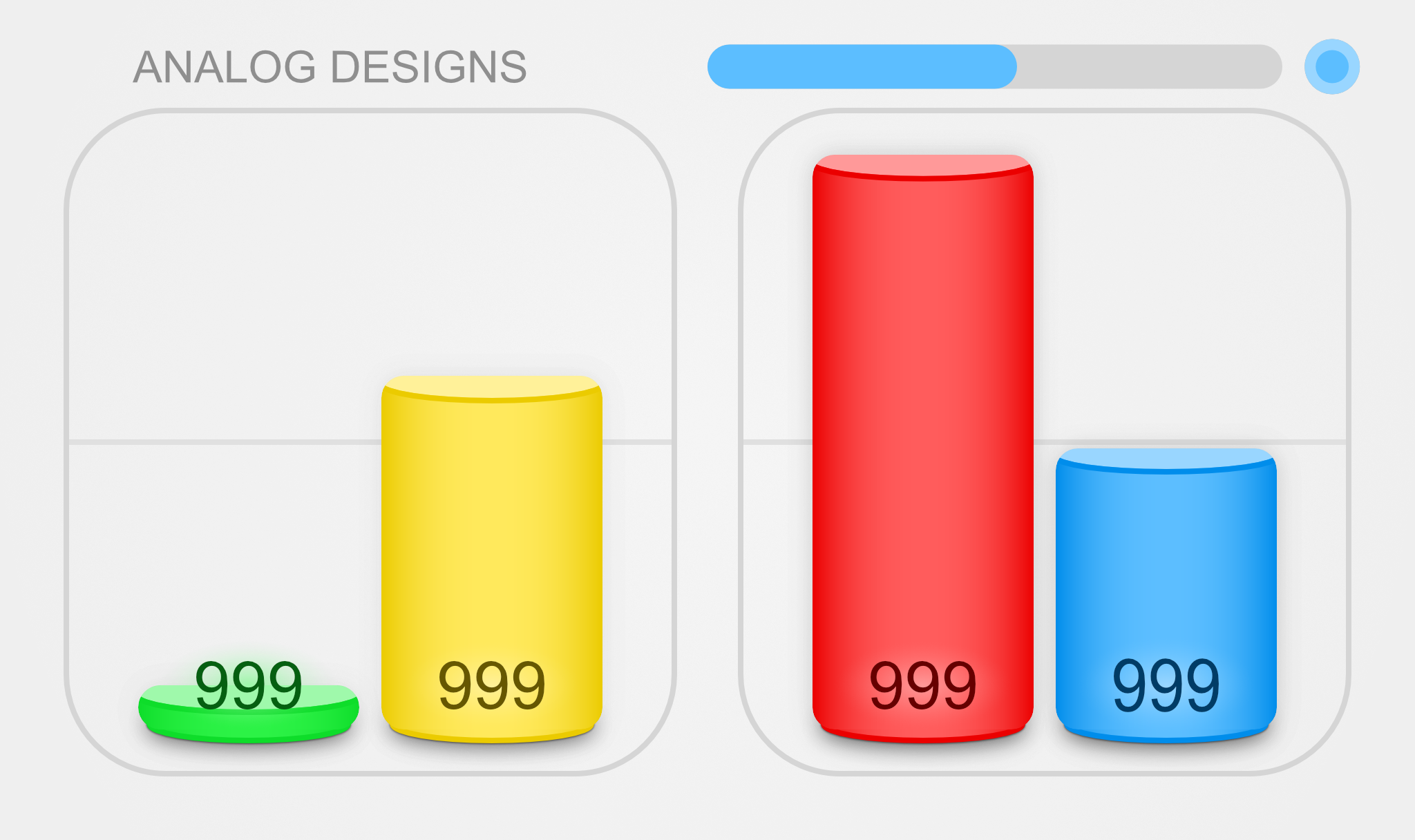
I created Hueshift as a tool to automate this process. It uses a two-stage machine learning process to help you:
- Choose interesting colors that complement each other.
- Automatically generate a set of light to dark shades for each color.
Tools used:
- VS Code
- React
- Tailwind CSS
- Affinity Designer (Figure Diagrams & Example References)
- Hueshift (Color Palettes for Figure Diagrams)
Purpose
What I found lacking in similar tools are the methods of generating harmonious colors.
Most tools are limited to either mathematical methods, or manual selection.
I wanted to create a tool that bridged the gap between mathematical precision and the organic artistry of human-selection.
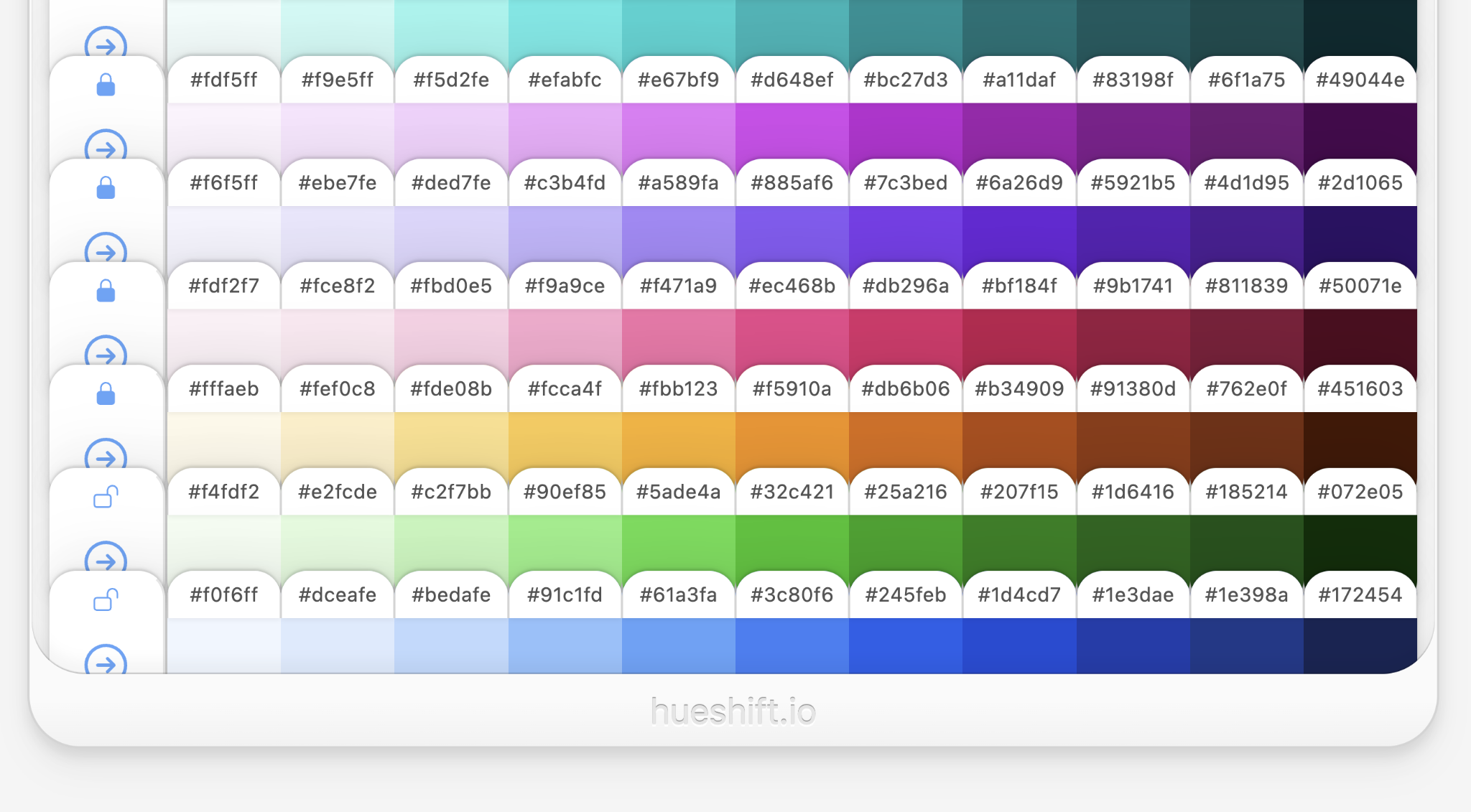
Hueshift recursively generates harmonious colors starting from the base hue.
This method allows for a wider range of generated palettes, with colors that still feel naturally harmonious.
Interface Design
Hueshift takes on an interface that is purposefully form over function.
In a world where UI is reduced to a single chat box, I wanted to take a different approach.
I wanted to imagine an interface that is as engaging & artistically inspiring as it is functional to use.
Inspiration
Inspiration for the palette board came from those wall of swatches inside real-world paint stores.
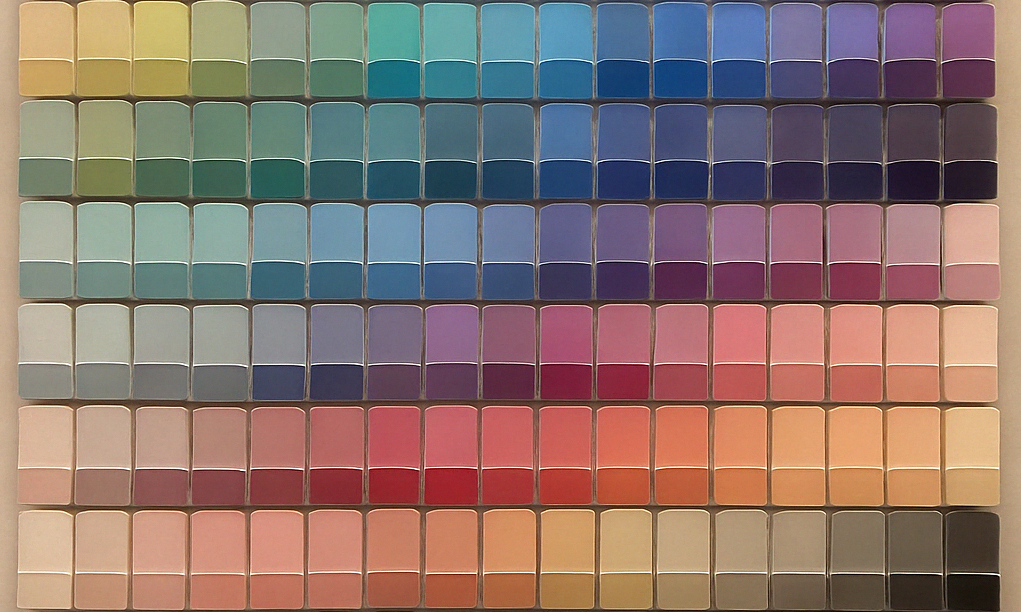
The palette board attempts to capture the dynamic nature of a real-world swatch wall in a paint store.
Features
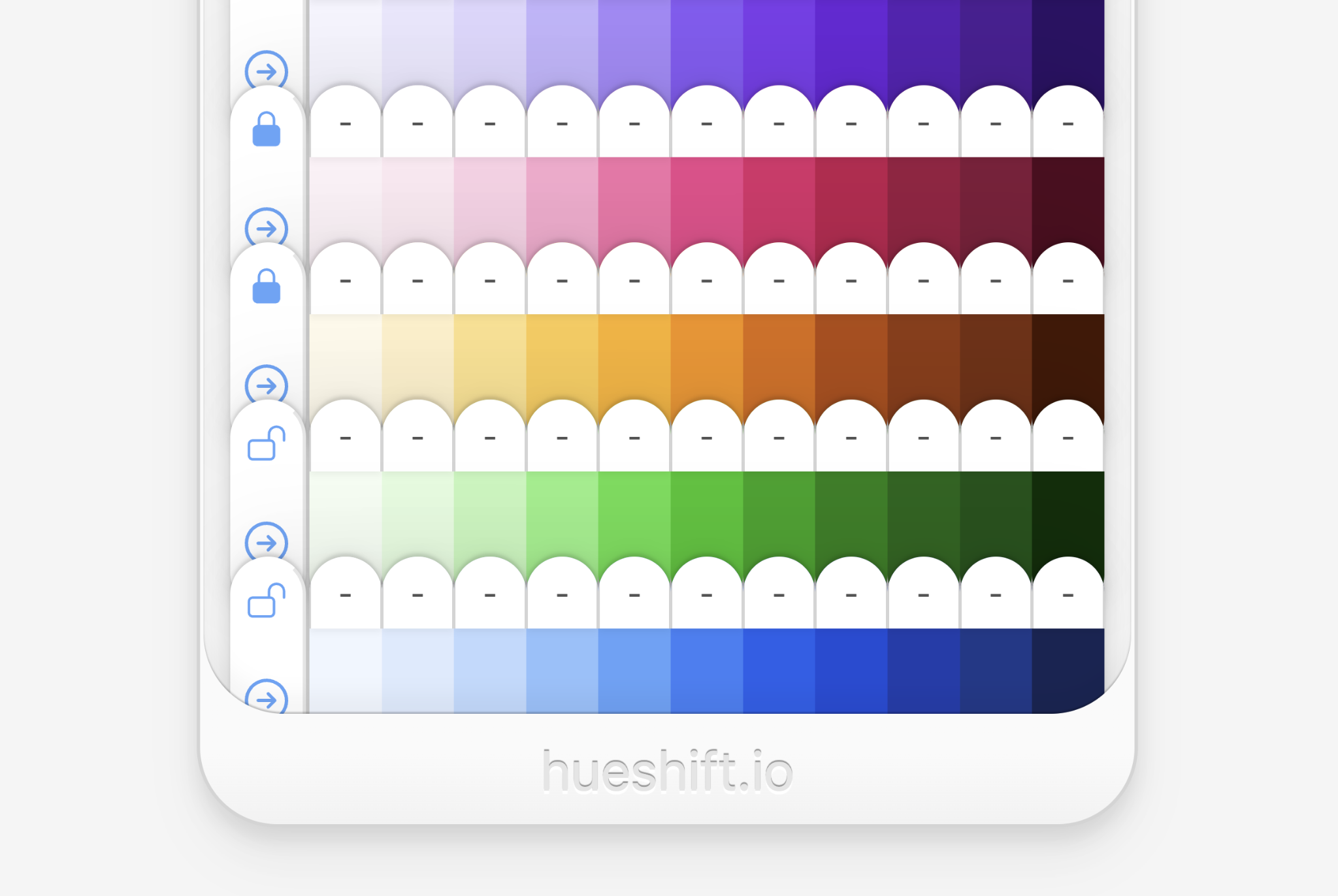
Hueshift is highly interactive.
You can click to copy any shade as a hex code.
You can drag & drop rows of swatches to reorder them or toss them out.
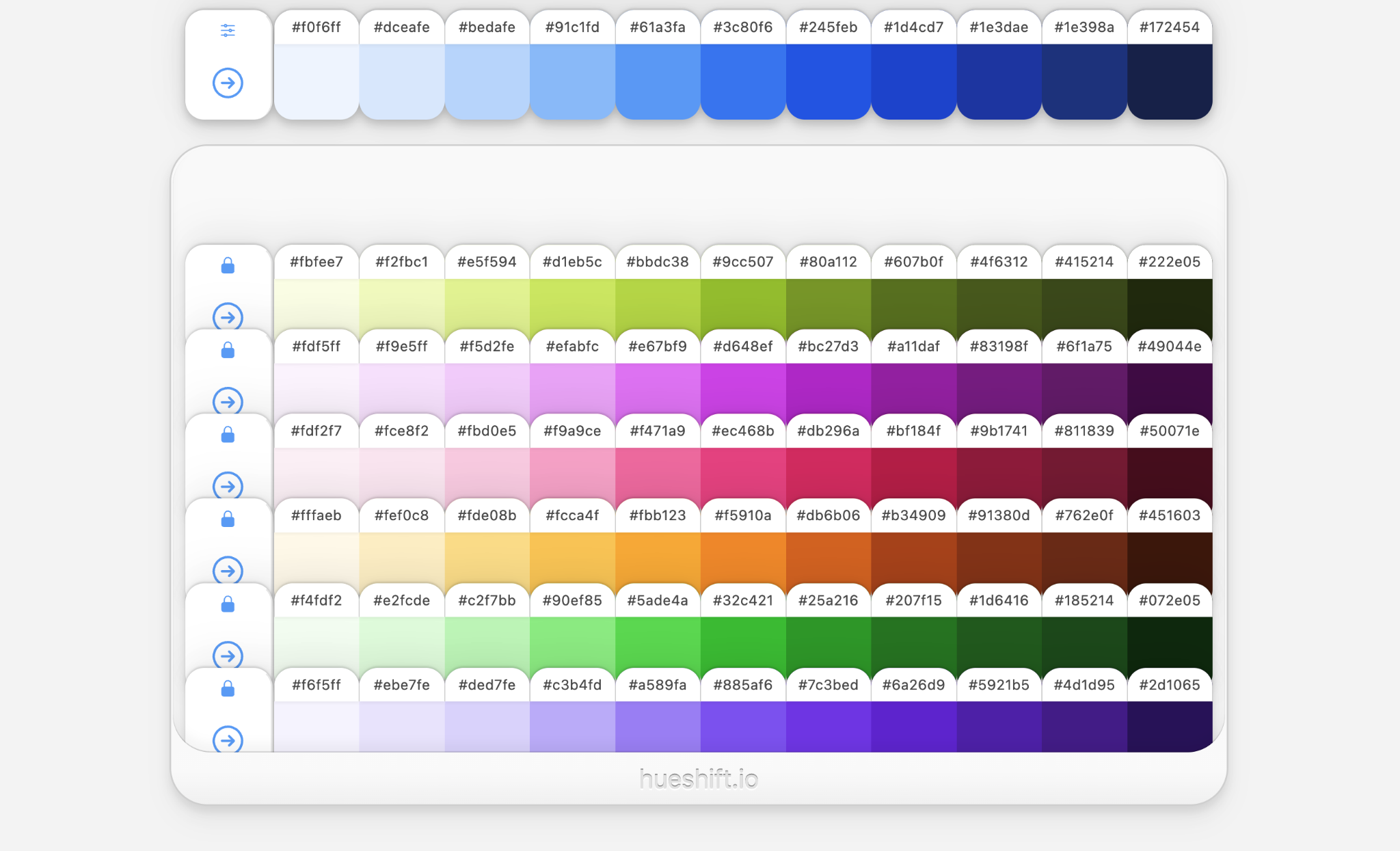
Using the sliders, you can adjust the hue of the base color. You can also adjust palette-wide lightness & saturation.
You can generate up to
8 harmonious color swatches in a single
palette.
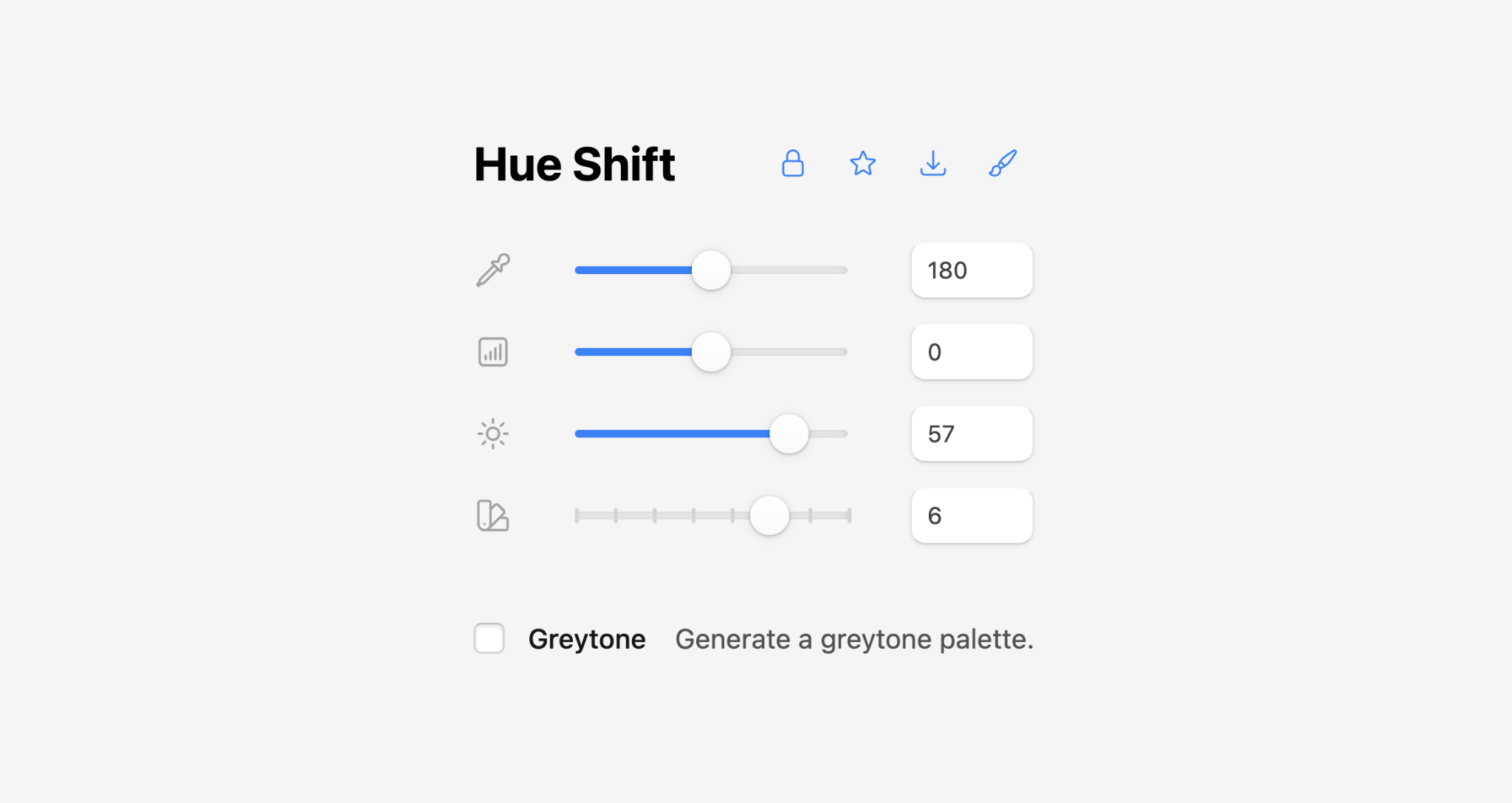
Enable Greytone to generate a greyscale palette.
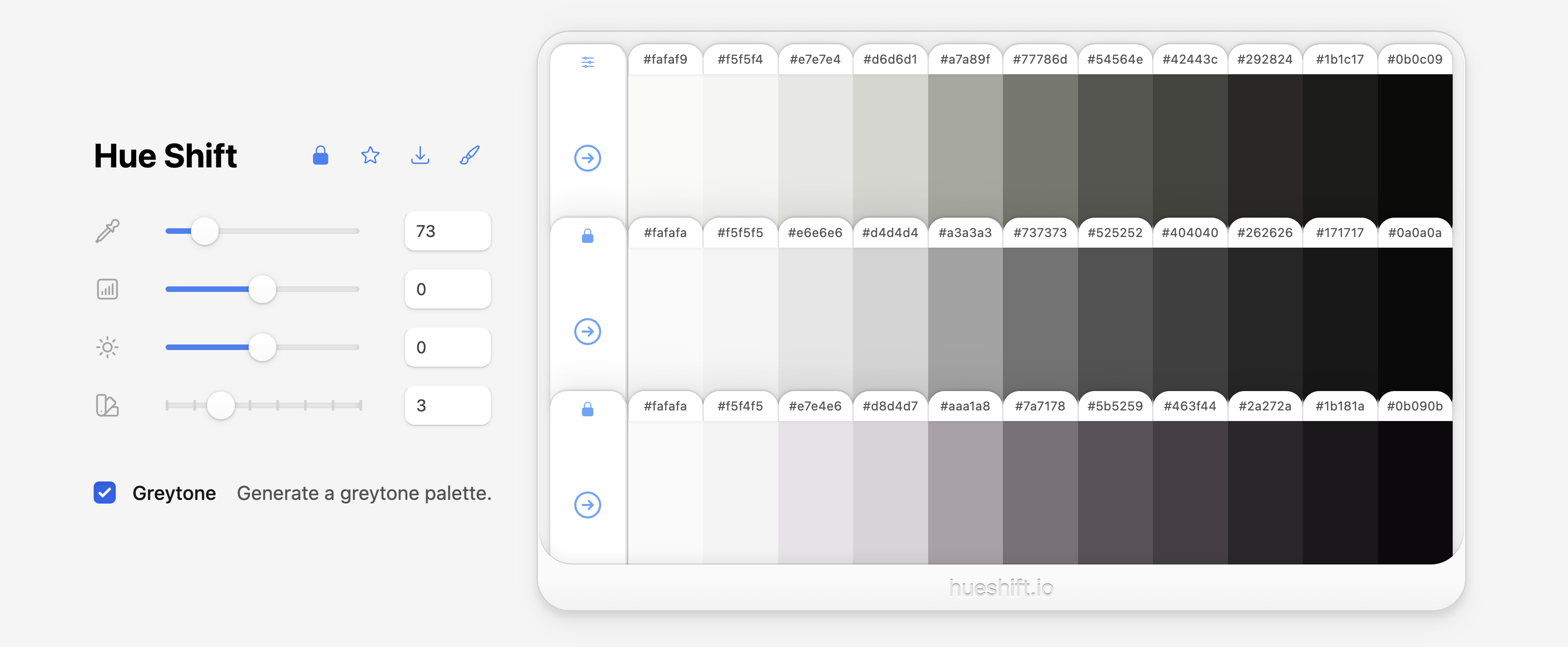
You can copy rows of swatches as JSON, or copy the entire palette as JSON.
Click the Palettes ⬇️ button to download a
palette.json file of all your starred palettes.
{
  "50": "#f2fdfc",
  "100": "#cbfbf6",
  "200": "#98f6ef",
  "300": "#5deae6",
  "400": "#2bd4d2",
  "500": "#14b6b8",
  "600": "#0d9196",
  "700": "#0f7175",
  "800": "#115a5f",
  "900": "#134b4e",
  "950": "#042a2f",
  "hue": 180
}
With Hueshift Pro, you can edit the colors used to influence the model that generates harmonious colors.
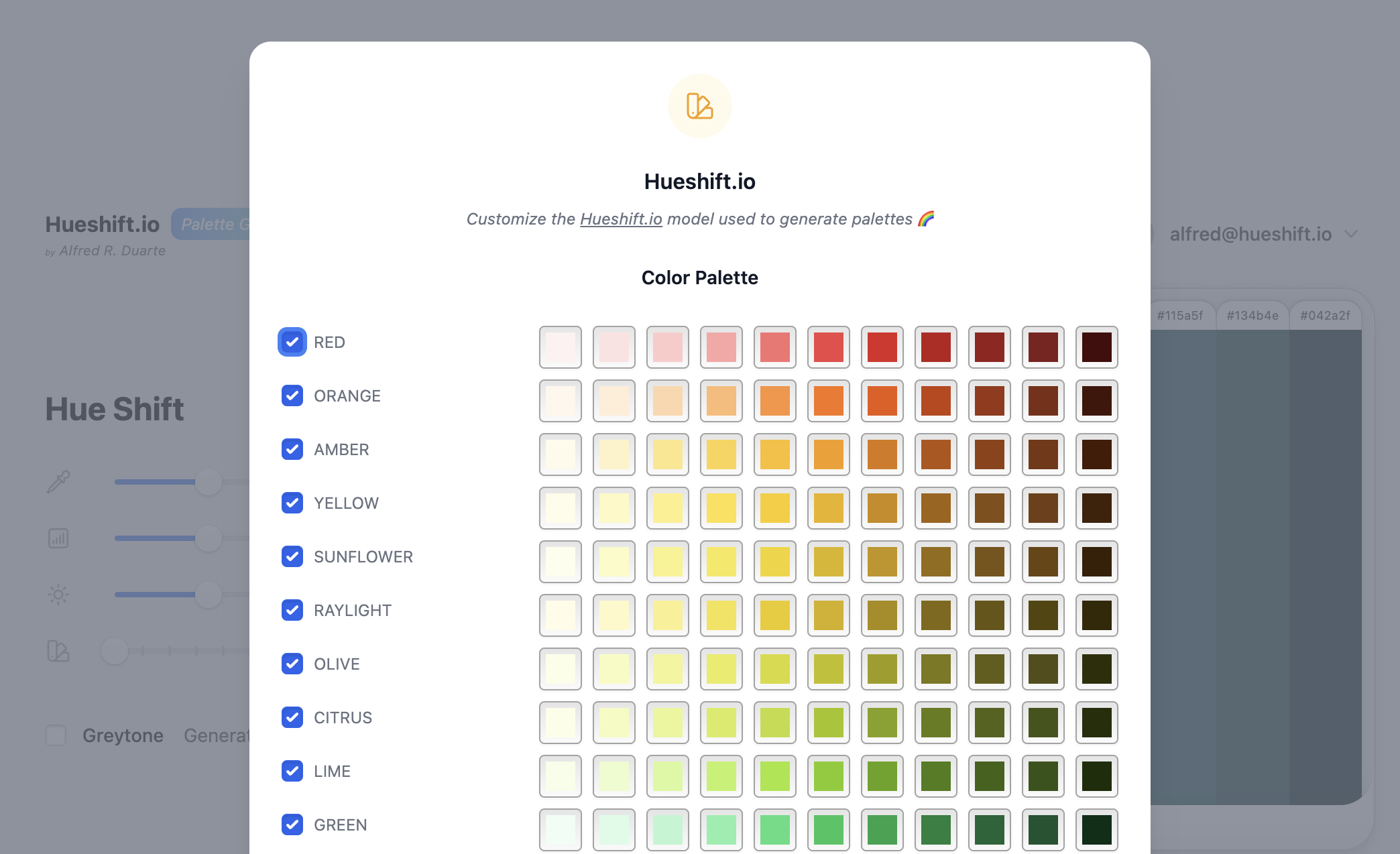
If you feel like shades generated are “missing something”, you can add or remove colors to influence the model to generate entirely new shades and palettes.
Hueshift ships with
98
pre-defined color models, with 21
color models enabled by default.
It also ships with
19
greytone models, with 5
greytone models enabled by default.
Try Hueshift.io 🎨 🖼️
Embedded below ⬇️ or at beta.hueshift.io (best viewed in a separate tab).
Tips:
-
Click the
Helpbutton to open the Help Guide. -
Switch your system color scheme to see light and dark modes.
-
Click
Upgrade to Proto unlock the Full Version of the app (it’s free).
📚 Book a consultation to discuss your project. ➔
alfred.r.duarte@gmail.com Message